

Choosing a source and targets
The common case is a funder to folder members. Set Source wallet and Recipients. Recipients fill in from the folder when you open the action there.Opening Distribute and filling the source wallet and recipients
Amounts
Pick the asset from the source wallet’s holdings. Native and tokens with balances both appear. Then set a Fixed amount or an Amount range.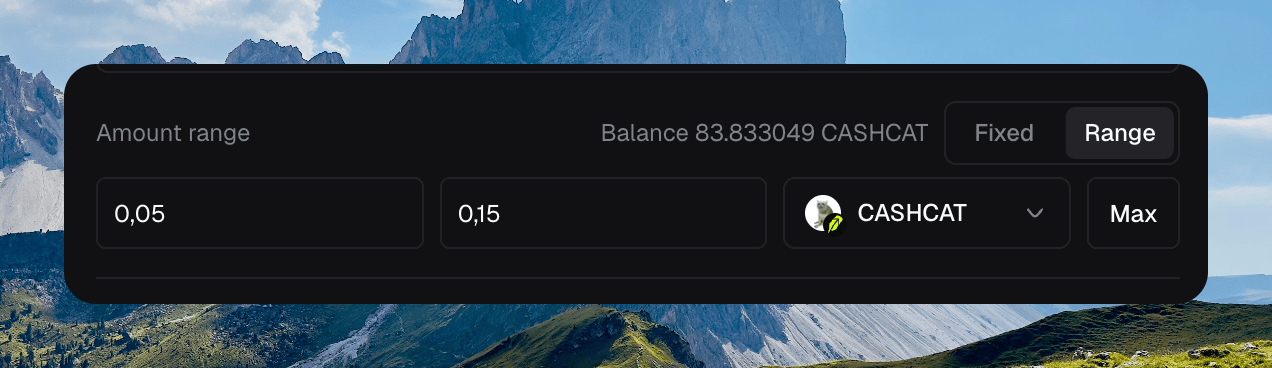
Amount range on CASHCAT with Fixed and Range
Advanced options
Open Advanced options for the source kind, randomize, leave-in-source, and transfer mode. Source is Wallet or CEX. Randomize varies each recipient around the chosen amount. Leave in source keeps a balance in the source wallet. Transfers is Batch or Separate.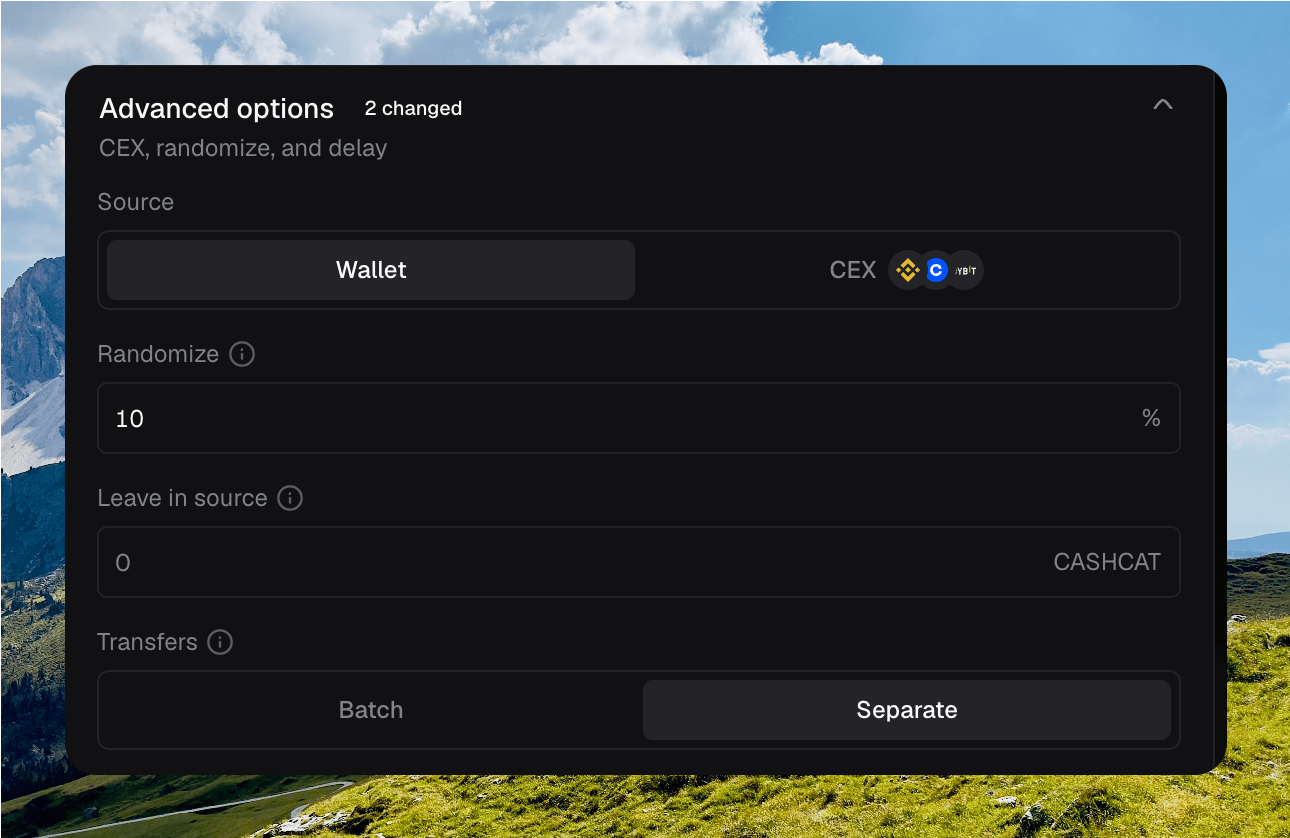
Advanced options with Wallet source, 10% randomize, and Separate transfers