

Chipper is invite-only. Access is granted through Telegram. If you don’t have an account yet, you can message the team for an invite or redeem a license key if you already have one.
How to sign in
To access the platform, you need to request a one-time login link from the official Chipper Telegram bot.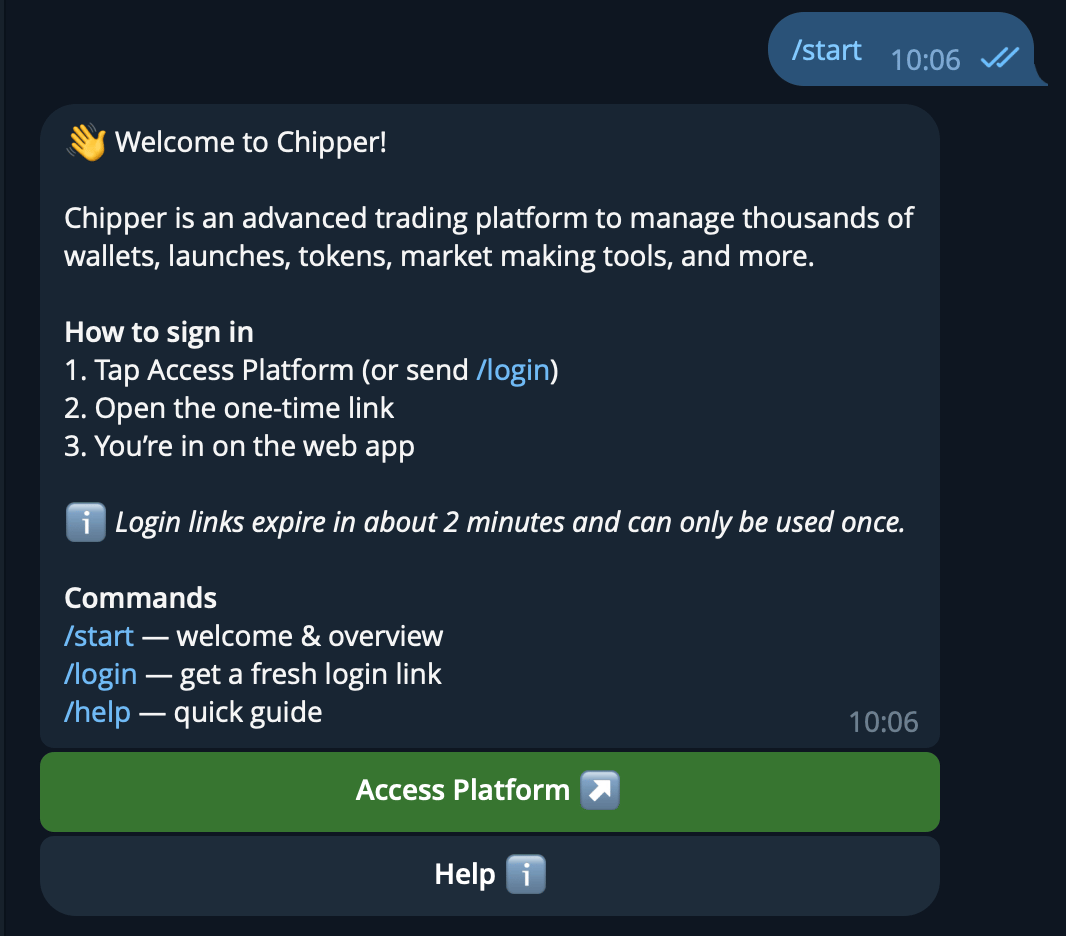
The Chipper bot after you send /start
1
Open the Chipper bot
Open Telegram and navigate to @ChipperAccountBot. If this is your first time, tap Start or say hello.
2
Request access
Tap the Access Platform button in the bot menu. The bot will generate a secure, one-time login link just for you.
3
Return to the app
Tap the link provided by the bot. It will automatically open Chipper in your browser and sign you in.
Session security: The login link is single-use. If your session expires or you log out, simply return to the Telegram bot and tap Access Platform again to get a fresh link.