

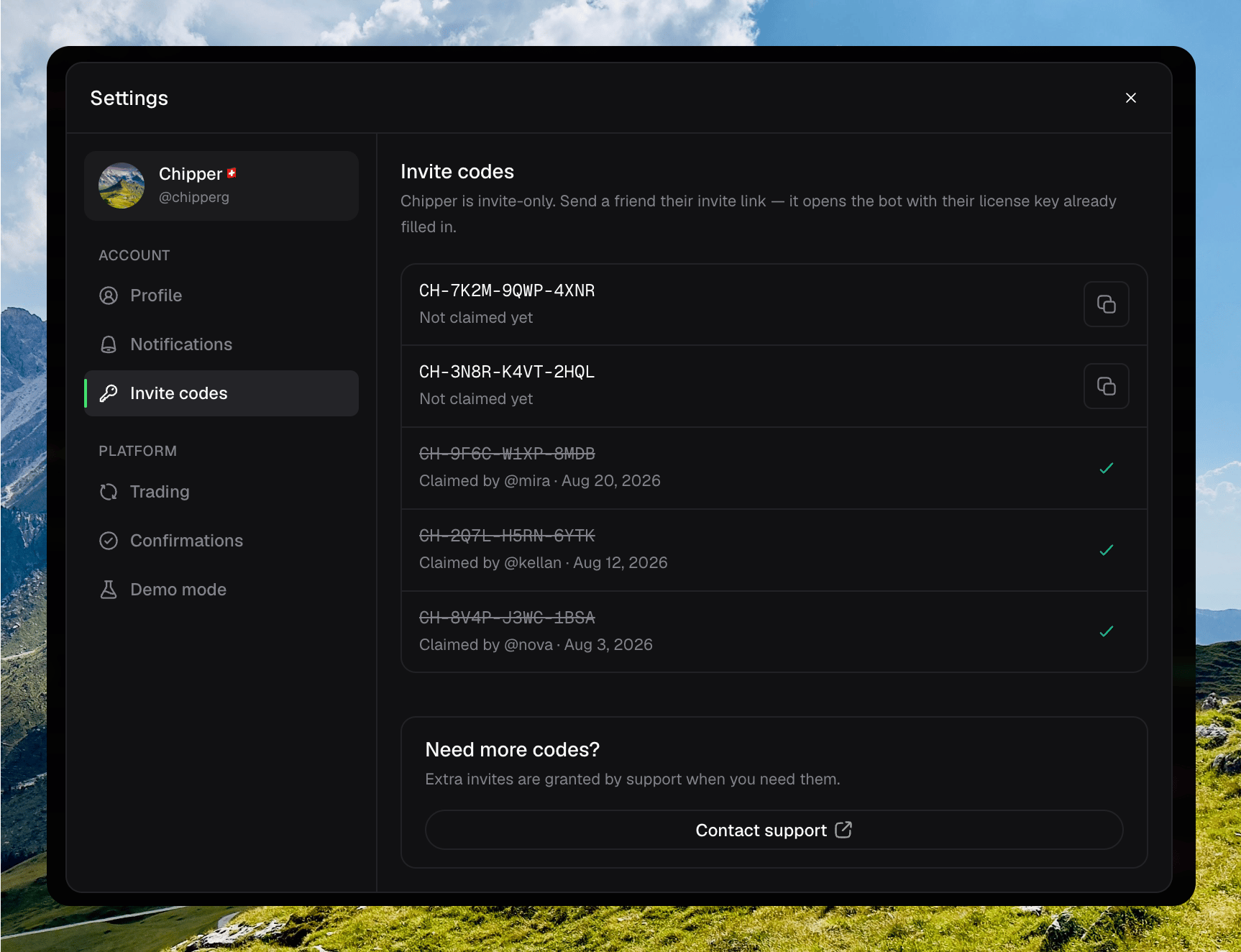
Chipper is invite-only. Open Invite codes from your avatar → Settings. Each code is a link that opens the Telegram bot with the license key already filled in. Send that link. The person you invite signs in from there.
Invite codes settings with two Not claimed yet rows and three Claimed by rows, plus Contact support

Settings → Invite codes with available and claimed rows

Sharing a code

Available codes show Not claimed yet. Click Copy invite link. Chipper copies the redeem link and confirms Invite link copied.

Copying an available invite link

After someone redeems the code, the row shows Claimed by their name and the date. Claimed codes cannot be copied again. If you have no codes yet, the panel shows No invite codes. Codes appear once they are issued to your account.

Need more codes?

Extra invites are granted by support. Click Contact support at the bottom of the panel.