

Opening Activity and scrolling the log
The activity log
Each row is one event. The table has four columns.
Scroll to load more. Rows are read-only. There is no per-row drawer.
Overview shows the latest eight rows. View all on that panel opens this page.
Filters
The chips above the table change which events you see. Each chip has a count.- All
- Buys
- Sells
- Transfers
- Funding
- Deploys
- Tokens
- Wallets
- Other
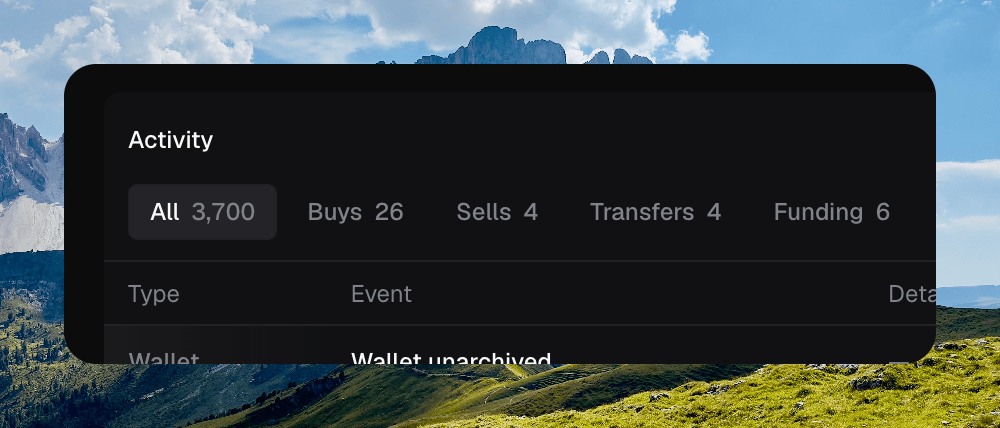
Filter chips with counts, All selected
Search
The search field filters the log. Press ⌘ F on this page to focus it.Searching the activity log
A token’s own history lives on the token page, under the History tab. Press H there.