

Generate
Open Add wallets and stay on Generate. Set the count, network, and destination folder, then submit. New rows land in the table.Generating wallets with count, network, and folder
Import
Switch to the Import tab and paste keys. Set the network and destination folder before you confirm.Importing wallets from pasted keys
Move and Assign
The same dialog has Move and Assign tabs. Move replaces every folder membership. Assign adds a folder and keeps existing ones.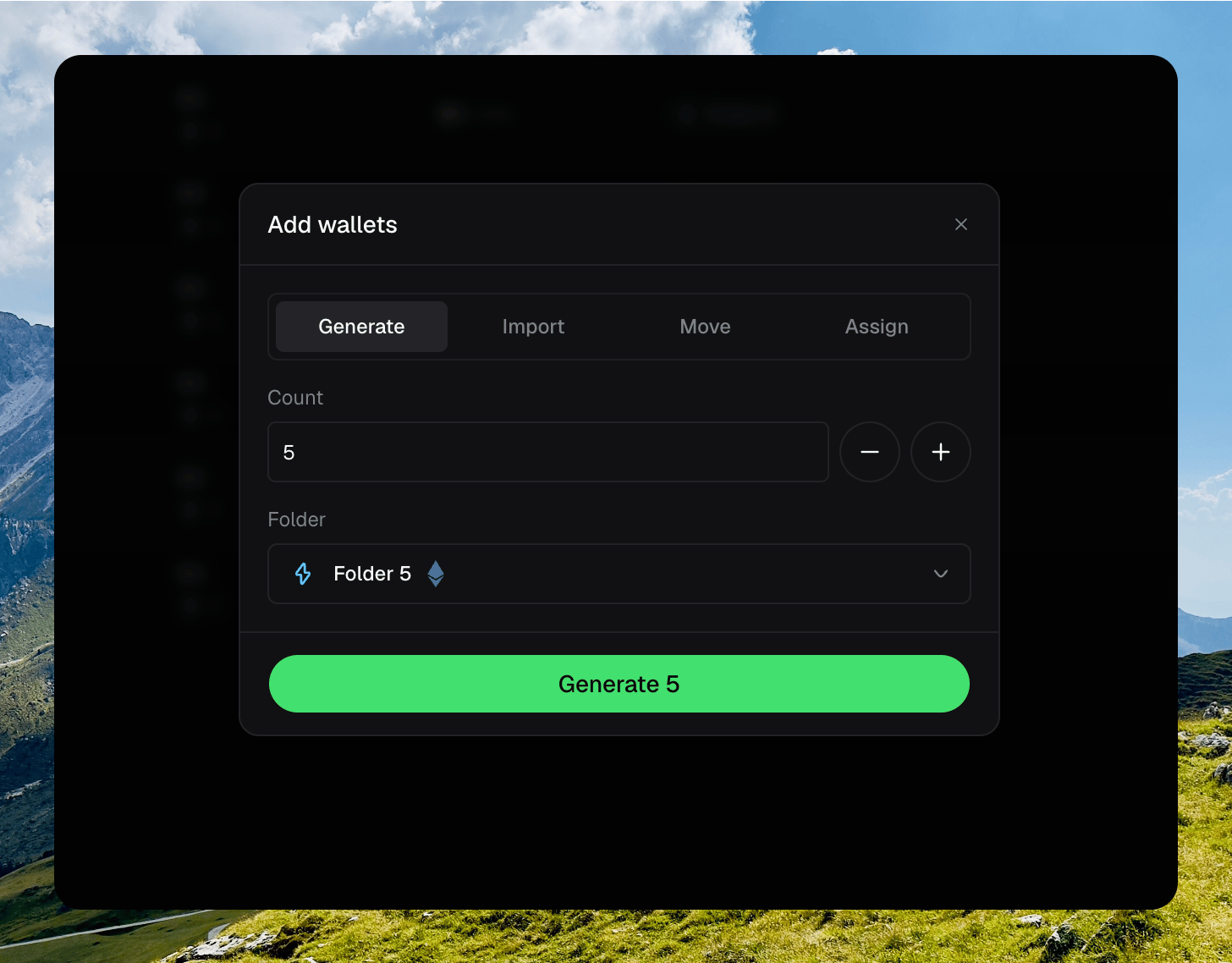
The Add wallets dialog with Move or Assign selected
Naming wallets
Rename a wallet from the drawer Settings panel, or inline from the table name.Renaming a wallet inline or from the drawer