

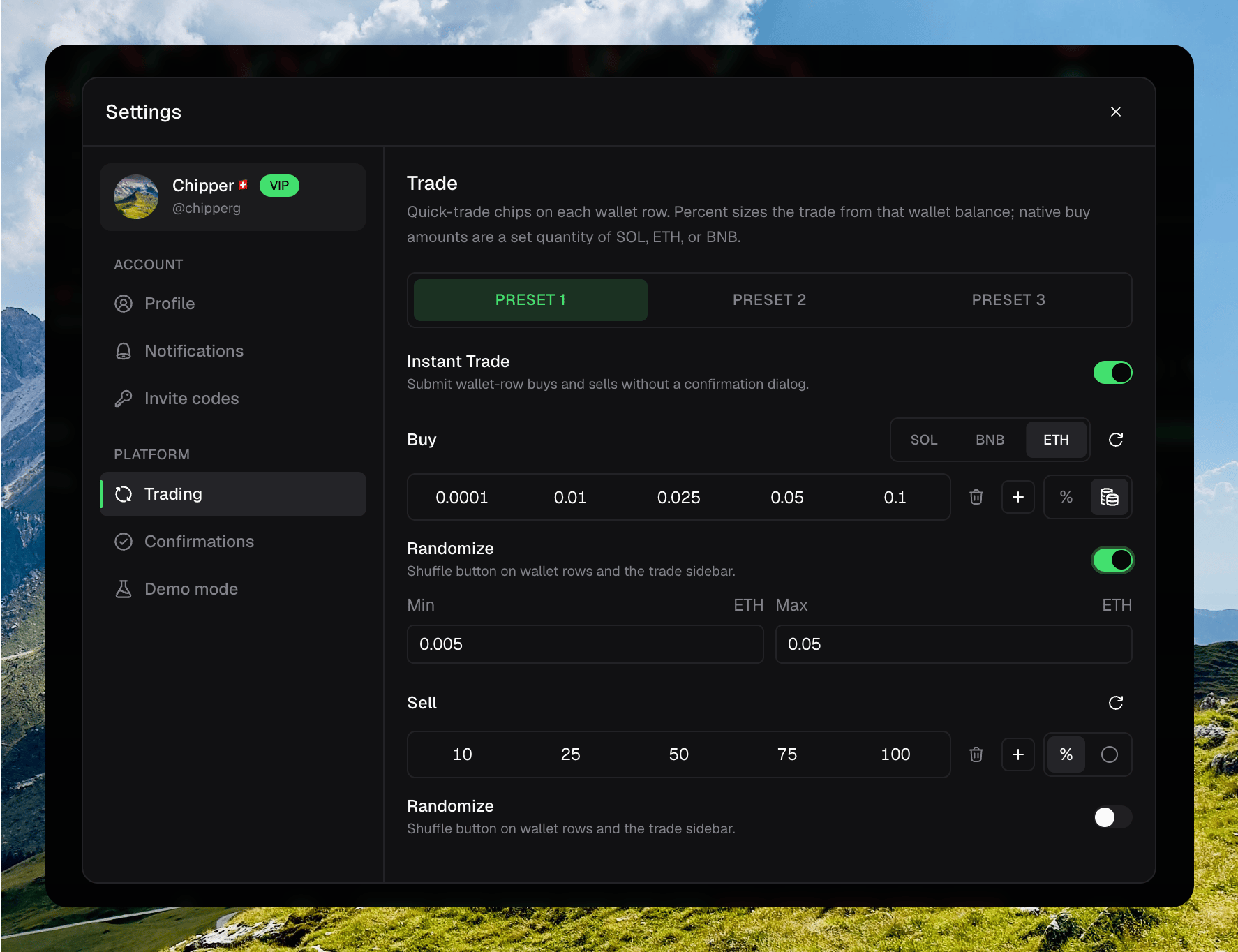
Settings → Trading: Instant Trade, amount chips, and Randomize
Amount presets
You get three slots: Preset 1, Preset 2, and Preset 3. The active slot is the one quick-trade chips and the trade sidebar use. Each side has one to eight chips. Add a value, Remove the last one, or Reset that side.Switching trading presets from the footer chip
Amount mode
Each side has a % toggle and a fixed toggle.- % sizes from that wallet’s balance.
- The coin icon is a native currency amount on buy, or a fixed token amount on sell.
Randomize
Each side has a Randomize switch under its chips. Off hides the shuffle button on wallet rows and in the trade sidebar. Buy starts on. Sell starts off. When it is on, set Min and Max for that side. Randomize picks a rounded amount in that range.0.1 to 1 can produce 0.295, not 0.29341. 0.01 to 0.05 can produce 0.0125.
Percent and fixed keep separate ranges. Fixed buy ranges are stored per native currency, same as the chips.
Instant Trade
Instant Trade submits wallet-row buys and sells without a confirmation dialog. Turn it off to get Confirm buy and Confirm sell back. This setting stays on this device.Confirmations
Other skippable dialogs live under Settings → Confirmations. Those are also stored on this device.- Skip developer wallet confirm
- Skip unattach confirm
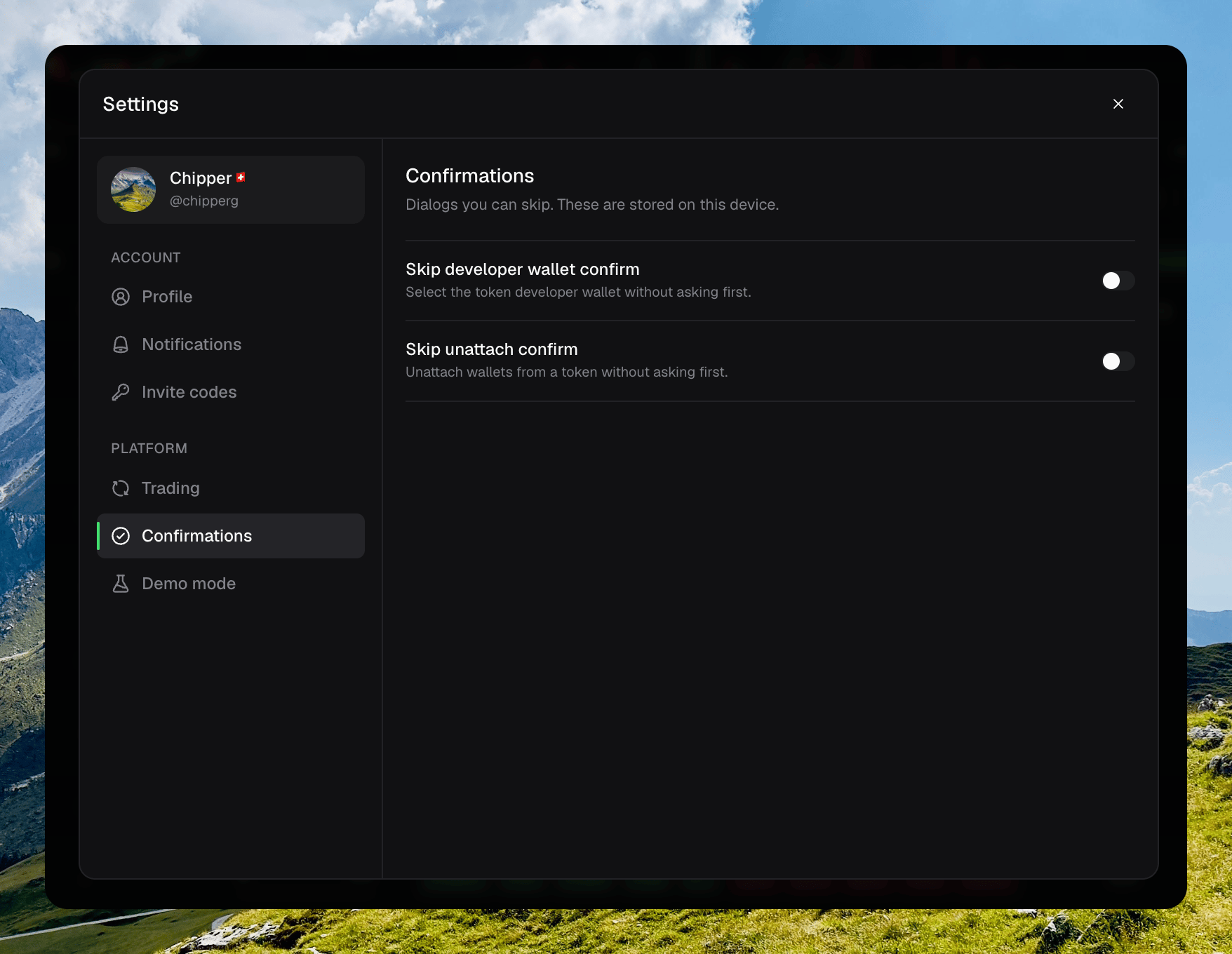
Settings → Confirmations with Skip developer wallet confirm and Skip unattach confirm