

Choosing what to collect
Select several wallets and open Collect. Set Sources, Destination, and the asset. The amount can be Fixed, a range, or All.Selecting sources, a destination, and what to collect
Advanced options
Open Advanced options for per-source amounts, transfer mode, and delay. Turn on Per source to set a different amount on each source wallet. Transfers is Batch or Separate. Separate sends one transfer at a time and is required for delays. Set Delay between collections to space the sends. None sends them immediately. When you sweep All, Advanced options swaps per-source amounts for Randomize sweep and Leave per source, so each wallet can keep enough behind for fees.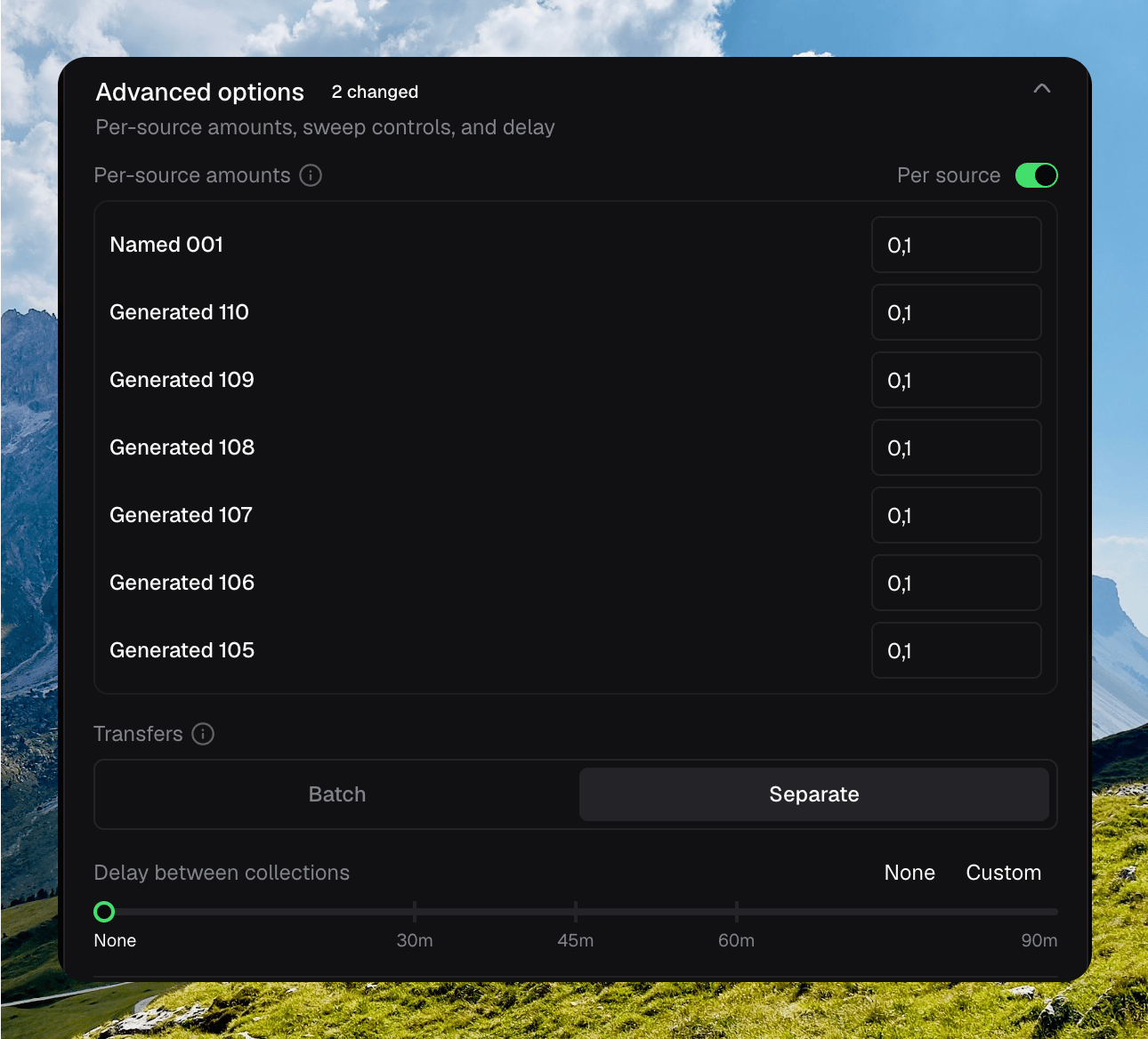
Advanced options with Per source on, Separate transfers, and no delay