

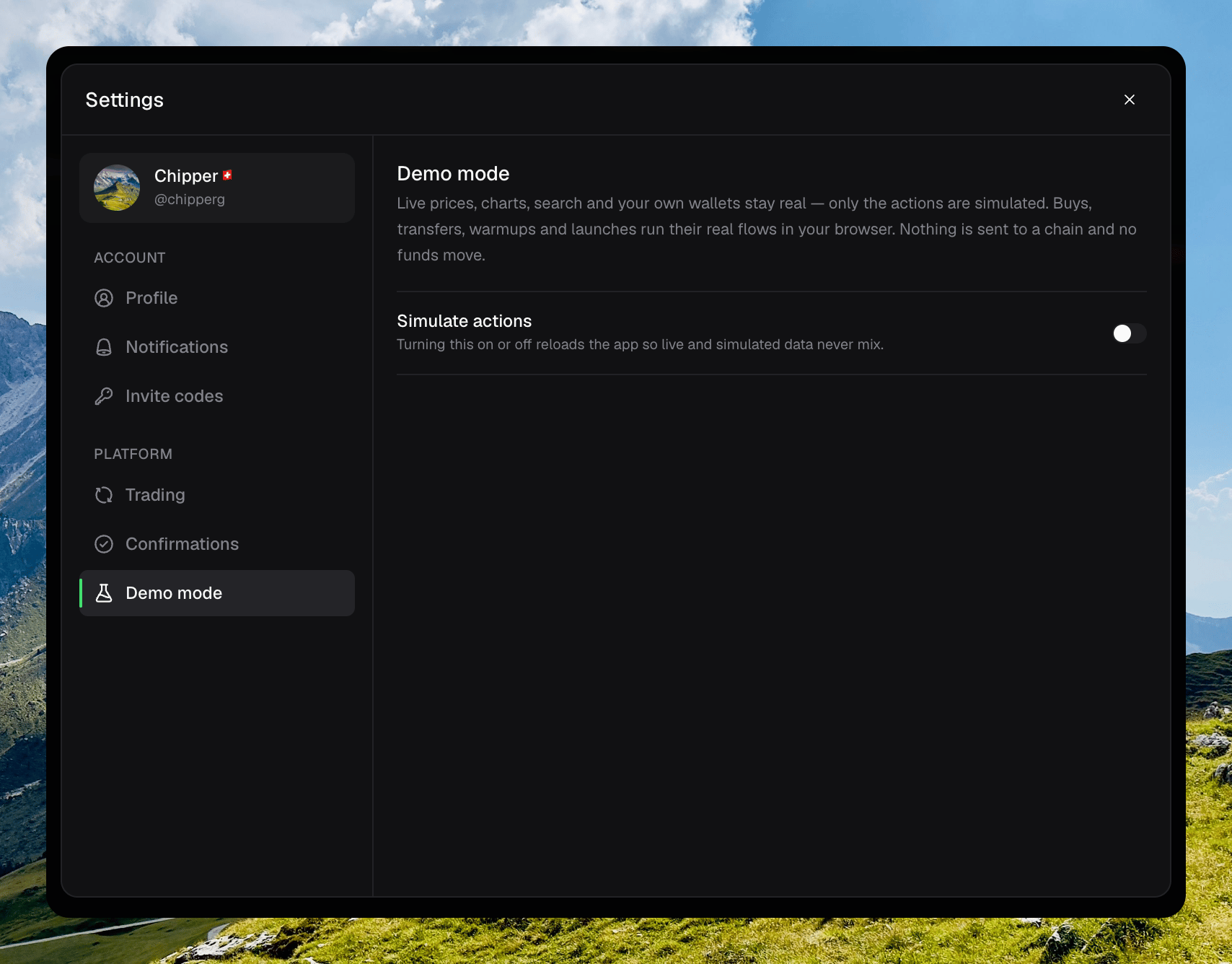
Settings → Demo mode with Simulate actions off
Turning it on
Open your avatar → Settings → Demo mode. Turn on Simulate actions. The app reloads so live and simulated data never mix.Turning on Simulate actions
What is simulated
Buys, sells, transfers, warmups, launches, and other writes run their real flows in your browser. Chipper applies the result as an overlay on top of your live balances. Prices, charts, search, holders, and most reads stay live.Running an action in demo mode, then Reset